Protect · Backup & Disaster Recovery
The backup you trustis the one you've tested.
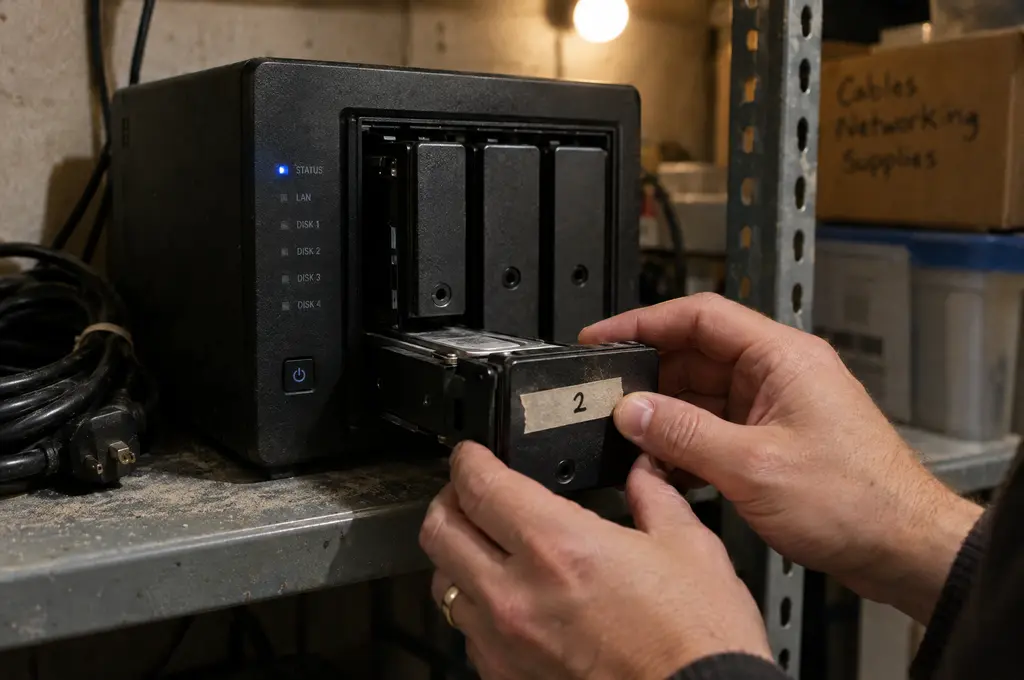
Backups fail quietly. A drive fills up, a job stops running, a password changes — and nobody notices until the day you need a restore. We build backups that are monitored daily and tested on a schedule, so recovery is a procedure, not a prayer.
Overview
We follow the 3-2-1 approach: three copies of your data, on two different types of storage, with one copy off-site and immutable so ransomware can't encrypt or delete it. Local copies give you fast restores of a single file; cloud copies protect you if the whole office is lost to fire, flood or theft.
Disaster recovery goes a step further. We define how long you can afford to be down and how much data you can afford to lose, then design for those targets. For critical servers, that can mean spinning up a working copy in the cloud within hours while the original is rebuilt.
What's included
Everythingthat's included.
Backups that are tested, isolated from ransomware and fast enough to actually restore from.
Server & workstation backup
Image-level backups of servers and key workstations, scheduled and monitored every day.
Immutable cloud copies
Off-site backups that cannot be altered or deleted for a set period, even with admin credentials.
Microsoft 365 & Google backup
Mail, files and Teams data backed up independently of the provider.
Restore testing
Scheduled test restores with written results, so you know backups actually work.
Disaster recovery plan
Recovery time and recovery point targets agreed with you, and a documented plan to meet them.
Cloud failover
For critical systems, the ability to run a copy in the cloud while on-site hardware is replaced.
How it works
Four steps,no surprises.
Prioritize
We rank your systems and data by how critical they are to operations.
Design
Backup frequency, retention and recovery targets matched to each system.
Deploy & verify
Backups configured, monitored daily, and test-restored on a schedule.
Rehearse
An annual recovery exercise so everyone knows the plan.
What changes
- 01Proof that your data can be restored
- 02Ransomware-resistant copies off-site
- 03Clear expectations for how long recovery takes
FAQ
Commonquestions.
How often do you test restores?
Automated verification runs daily, and we perform documented manual test restores at least quarterly for every protected system.
How much data could we lose?
That depends on the recovery point you choose. Many clients back up critical servers every hour; others are fine with nightly backups.
Is cloud backup secure?
Backups are encrypted before they leave your network and stored in immutable storage with access restricted to our team.
Pairs well with
All services

Let's look at yourbackup & dr together.
A one-hour, no-obligation IT and security assessment. You get a written report of risks and quick wins, whether or not you hire us.
Book a free assessmentFree · No obligation · Written report